NFC Quick Setup
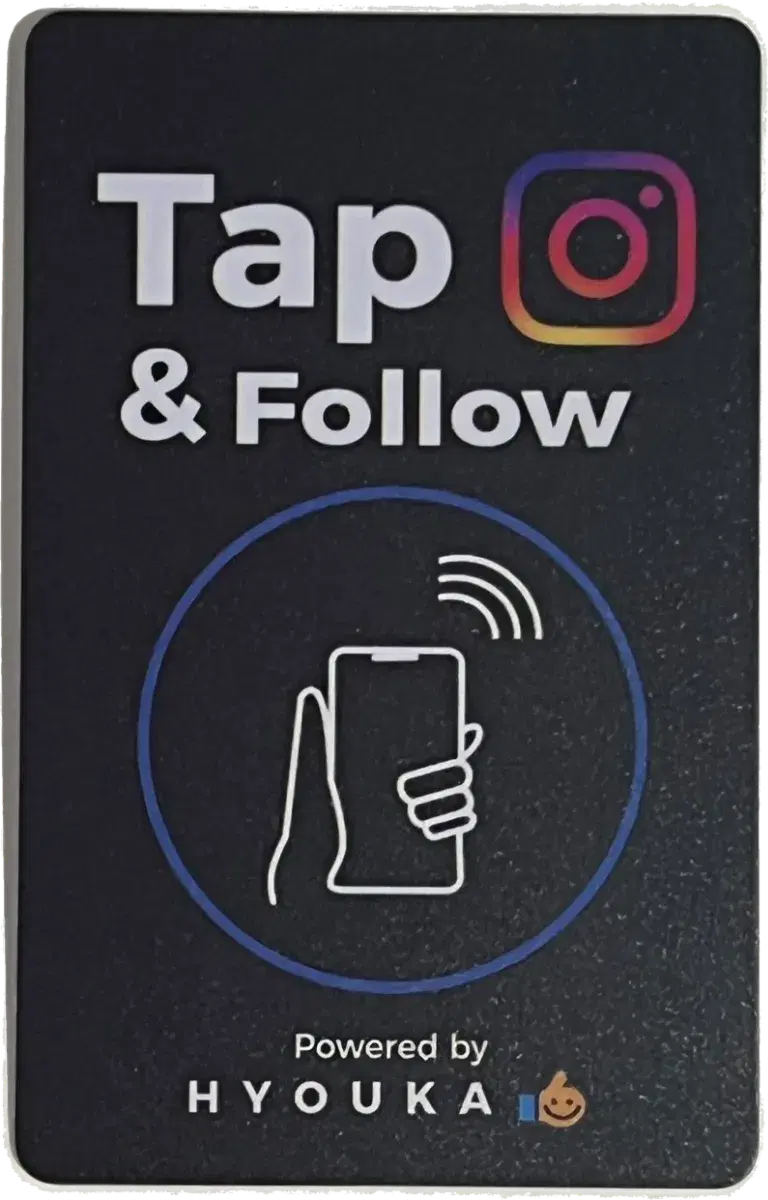
How to use HYOUKA Instagram sharing NFC Card
- 1Download our NFC writer app
- 2Write your Instagram ID to the card
- 3Share by tapping
Step 2
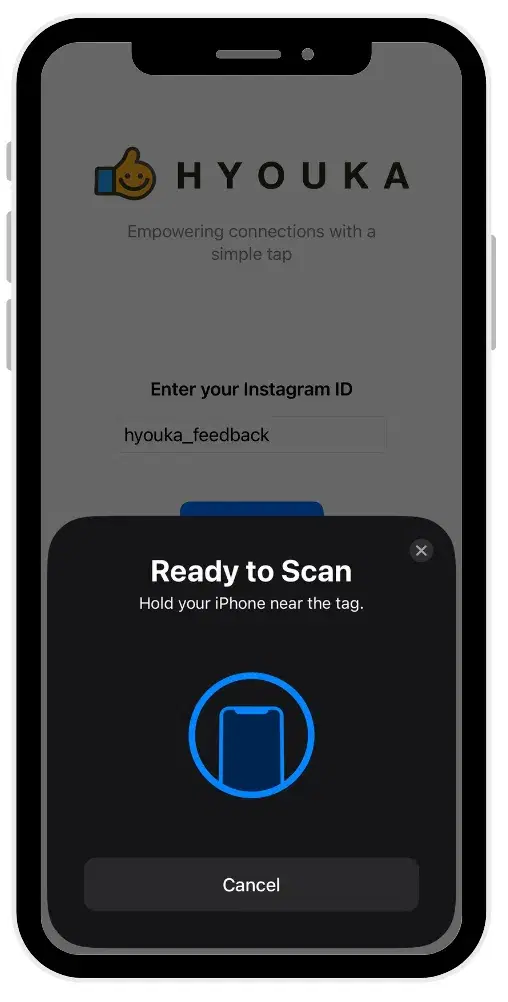
Open the app and write card
Open the app, enter the event destination link, and tap 'Write' while holding the card near your phone.
Step 3
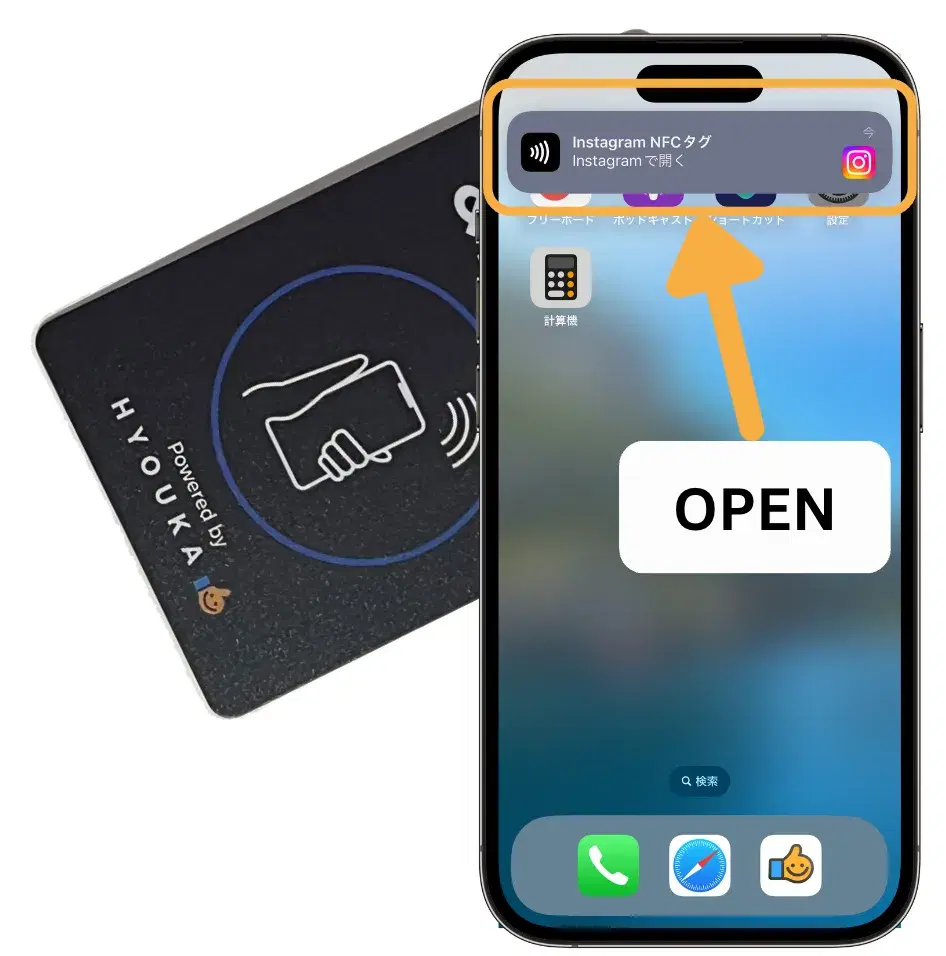
Share your IG by tapping a phone with the card
Tapping the card on any visitor's phone launches the event guide immediately, without requiring any app download.